Scams start in different places: a call from someone claiming to be support, a link at the top of your search results, a friendly stranger online who offers to show you how to make money. They end in almost the same place. Either you send the money yourself, or you hand over something that lets them into your account. In 2025 the FBI's Internet Crime Complaint Center (IC3) recorded $11.366 billion in reported losses involving cryptocurrency.
If you have already sent money or a code
If money has already gone, or someone has your code or password, stop trying to work out whether they are genuine and go through this list in order:
- Stop paying. "One more payment and you can withdraw everything" is the next step of the same scam; every extra payment adds to the loss.
- Change passwords on your own device. Change the exposed account and any other account that uses the same password, sign out unfamiliar devices and turn on two-factor authentication.
- Contact the platform and your bank. Go through the support section of the app or a site you bookmarked yourself, never a link or number the other person gave you, and ask whether they can freeze, stop or intercept anything. A confirmed on-chain transfer is very hard to reverse, so the sooner the platform hears, the better the chance of catching money that has not moved on yet.
- Keep the evidence. Save chat logs, transfer records, the other side's accounts and wallet addresses, suspicious URLs and transaction hashes.
- Report it. Take the evidence to the police or anti-fraud authority where you live; the main channels are listed under where to report.
- Watch for a second scam. Victims are often approached by self-styled lawyers, hackers or recovery firms who promise to get the money back for a fee. The FTC's advice is blunt: do not pay money for help recovering money.
How much these scams take in a year
The IC3 collects internet crime complaints from the US public each year. A few figures from its 2025 annual report show how common these scams are:
| Item | 2025 |
|---|---|
| All complaints | 1,008,597, with $20.877 billion in losses, up 26% on 2024 |
| Investment fraud | About $8.65 billion in losses, the largest of any type |
| Complaints involving cryptocurrency | 181,565, with $11.366 billion in losses; average loss about $62,600 |
| Of which crypto investment fraud | 61,559, with $7.228 billion in losses |
| Complainants aged 60 and over | 201,266, with $7.748 billion in losses |
Those are only the losses people reported. Investment fraud tops the list, and it usually runs like the scam often called pig butchering: weeks of friendly chat to build trust, then an invitation to "invest" on a fake platform where the balance climbs steadily, until you try to withdraw and are told to pay tax, a deposit or an unlock fee first.
The five most common scams
1. Pay an unlock fee before you can withdraw
You "invest" on a platform and the balance looks great, but when you ask to withdraw you are told the account has tripped a risk control and needs a tax payment or deposit to be released. Pay once and a second demand follows. A real exchange that freezes funds asks for documents and handles an appeal; it does not have you wire money to a personal account. A platform that asks is almost certainly fake, and the balance was only ever a number it typed in.
2. Impersonating support, a bank or a government agency
Someone calls or messages first, reads out your name, phone number or even part of your trading history, says your account shows unusual activity, and asks you to help verify it: read out a text code, click a link, install a "security app", or move money into a "safe account". Personal data leaks all the time, so knowing your details proves nothing about who they are. No legitimate institution contacts you to ask for a transfer, and there is no such thing as a safe account. The IRS has also warned about a newer variant: letters with a QR code, claiming to be from the IRS, that ask you to register your crypto on a "compliance portal".
3. Fake websites in search ads and text messages
Scammers build a near-perfect copy of a real site, buy search ads so it appears first, or send the link by text or direct message. Whatever you type into it, username, password and code, is used in real time to log into your real account. The next section covers how to avoid them.
4. Private chat, remote-control apps and "let me do it for you"
"I'll walk you through it" becomes "give me your login and I'll handle it", followed by a request to install remote-control software or to share your password. Once that software is on your phone or computer, the other person controls it.
5. Fake P2P buyers and money mules
When you sell on a P2P market, the buyer sends a doctored payment screenshot and pushes you to release the coins. Or someone offers an unusually high price for your USDT and asks you to send money to a stranger first. In the first case the money never arrived; in the second, your bank account may receive someone else's stolen funds, and it is your account that gets frozen. Release coins only after the money shows in your own bank account, never on the strength of a screenshot.
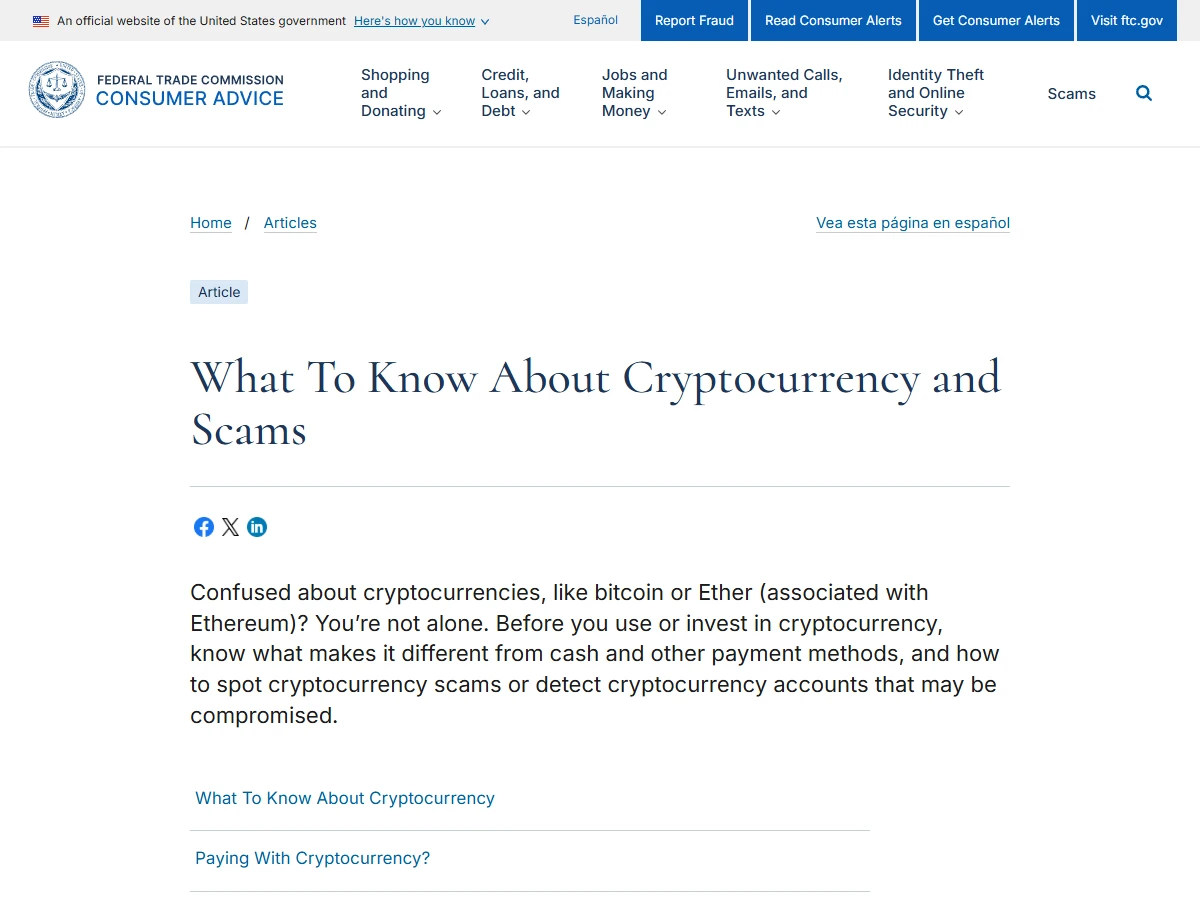
The FTC's guide to cryptocurrency scams puts most of this into three rules: only scammers demand payment in cryptocurrency; only scammers guarantee profits or big returns; never mix online dating and investment advice.
Where fake websites and apps come from
Most fake sites reach people through search ads and through links in texts, emails and direct messages. A few habits block most of them:
- Once you have logged in and checked everything is right, bookmark the site and only come back through the bookmark or the app
- Do not click links in texts, emails or messages that tell you to log in now or verify your account
- Set an anti-phishing code on your exchange account; every genuine email from the exchange will then carry the phrase you chose, so an email without it did not come from them
- Use an authenticator app for two-factor authentication rather than relying on text messages, so a stolen password is not enough
- Do not log into money accounts on shared computers or other people's phones; if you must, use a private window, log out and change the password afterwards
How to set the anti-phishing code, two-factor authentication and a withdrawal whitelist is covered in the last step of the Binance sign-up guide.
Passwords, codes and seed phrases: never hand them over
No platform support agent, bank or police officer will ask for any of these:
- Your login password: a platform never needs it to fix anything
- Codes from texts or an authenticator app: they are for you to use on the spot, and whoever asks for one wants to get into your account or move your money
- Your private key: holding it means holding the funds in the wallet
- Your seed phrase: 12 or 24 words that restore your wallet on any device; any page or person asking you to type, photograph or upload it is a scammer
The same goes for this site. DollarVault will not message you privately, will not ask for any of these, and does not register or operate accounts for anyone. Anyone contacting you in our name is an impostor.
AI face and voice cloning: judge the request, not the face
A few seconds of audio is now enough to clone a voice, and faces can be swapped live on a video call. A crying "relative" says there has been an emergency and needs money; a "support agent" on video walks you through "verifying your account". The voice and the face both check out.
Do not try to judge whether it looks or sounds real; that gets less reliable every year. Judge the request. If it ends in a transfer, a code or an app to install, hang up and check through a channel you already had, such as calling back on the number saved in your contacts. Agree a private word with close family in advance, and ask for it whenever someone asks for money.
Stop when you hear these lines
- "Pay this fee and you can withdraw" or "pay the deposit and we'll unfreeze it"
- "Send me the code" or "read me your seed phrase"
- "Move it to a safe account and we'll return it after checking"
- "Download this app and I'll do it remotely"
- "Guaranteed returns", "no risk", "inside information"
- "If you don't act today, the account will be closed"
Where to report
Reporting does not guarantee you get the money back, but the earlier and more complete the record, the better the chance that a platform or the police can stop funds in time. The main channels:
| Where you are | Where to report |
|---|---|
| United States | FBI IC3 (ic3.gov); FTC (ReportFraud.ftc.gov); for investment scams, also the SEC (sec.gov/tcr) or CFTC (cftc.gov/complaint) |
| Hong Kong | Police Anti-Scam Helpline 18222 |
| Singapore | ScamShield Helpline 1799 |
| Mainland China | Call 110; anti-fraud hotline 96110 |
| Elsewhere | Your local police, plus a report through the exchange's in-app support |
Common questions
Sources
- FBI IC3: 2025 Internet Crime Report (PDF)
- FTC: What to know about cryptocurrency and scams
- FTC: don't pay money for help recovering money
- IRS: digital assets, including the fake compliance-portal letter warning
- Binance: how to report a scam